
Consolidate, organize, and label messy shape groups with a single click.
Subscribe to my mailing list to download for free.
You can unsubscribe at any time. I promise not to spam you.
Already have an account? Log in to download
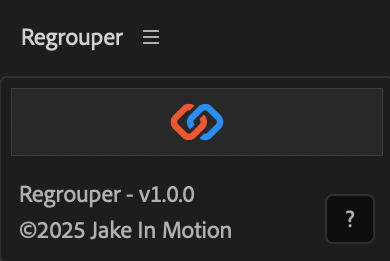
How to Use Regrouper
Auto-Consolidate
- Select one or more shape layers with multiple groups
- Click the
Regrouperbutton - Groups with matching fill/stroke settings are consolidated and ordered based on their stacking order
Manual Merge
- Select 2 or more groups you want to merge
- Alt/Option + click the
Regrouperbutton - Selected groups are consolidated.
What It Matches
Regrouper considers groups identical if they share:
- Fill color
- Stroke color
- Stroke width
- Line caps and joins
Disabled fills and strokes are ignored.
Installation
Copy the Regrouper.jsx file into your After Effects ScriptUI Panels folder, then restart After Effects.
- OSX:
/Applications/After Effects #version#/Scripts/ScriptUI Panels/ - Windows:
/Program Files/Adobe/Adobe After Effects #version#/Support Files/Scripts/ScriptUI Panels/
Changelog
If you've already downloaded Regrouper, log in to your account and visit My Products to get the latest version.
1.0.1
Released: 2025-12-16
- Updated Help Dialog
1.0.0
Released: 2025-12-15
- Initial Release