Lock any layer property instantly in After Effects.
Subscribe to my mailing list to download for free.
You can unsubscribe at any time. I promise not to spam you.
Already have an account? Log in to download
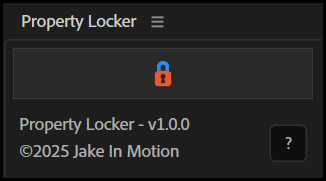
How to Use Property Locker
Basics
- Select any properties across any layers
- Clickthe
Property Lockerbutton to lock or unlock
Behavior
- Locking: Adds an expression that hardcodes the current value
- Unlocking: Removes the expression and preserves the post-expression value
- Toggle: Each property toggles individually based on its current state
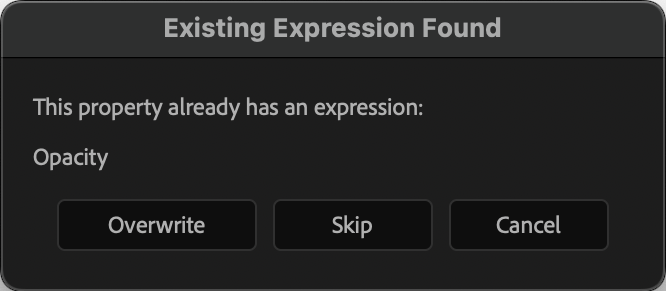
Existing Expressions
If a property already has an expression (not from Property Locker), you'll be prompted to:
- Overwrite: Replace the expression with the locked value
- Preserve: Skip that property and leave the expression intact
Tips
- Works on any animatable property: Position, Scale, effect controls, shape properties, paths, etc.
- Select multiple properties across multiple layers to lock/unlock in batch
Installation
Copy the Property Locker.jsx file into your After Effects ScriptUI Panels folder, then restart After Effects.
- OSX:
/Applications/After Effects #version#/Scripts/ScriptUI Panels/ - Windows:
/Program Files/Adobe/Adobe After Effects #version#/Support Files/Scripts/ScriptUI Panels/
Changelog
If you've already downloaded Property Locker, log in to your account and visit My Products to get the latest version.
1.0.0
Released: 2025-12-24
- Initial Release