
Design where
you animate.
Design Mode is a full vector editing suite for After Effects. Pull shapes, masks, and text onto its canvas, design with precision tools, and push edits back to your comp.
$58 $48 Early access: $44 for the first 100 customers
Design Mode in Action
Why Design Mode exists
You shouldn't have to leave to design.
After Effects has always supported vectors, but it never had the tools to edit them precisely. So I built them, along with a workspace for any adjustment, simple or complex. No more jumping to another app just to edit your artwork.
How it works
Pull. Design. Push.
01
Pull
Bring in every shape, mask, and text layer in your comp, or just the ones you want.
02
Design
Edit, draw, and style on a lightning-fast vector canvas.
03
Push
Send the edits back to your comp. Then keep on animating.
Built for animators
Your animation comes with you.
Design Mode isn't a one-way trip. Pull a layer that's already animated, change it, and push. Edits to keyframed properties land as new keyframes.
Effects, expressions, and parenting are preserved.
The tools
Precision After Effects never had.
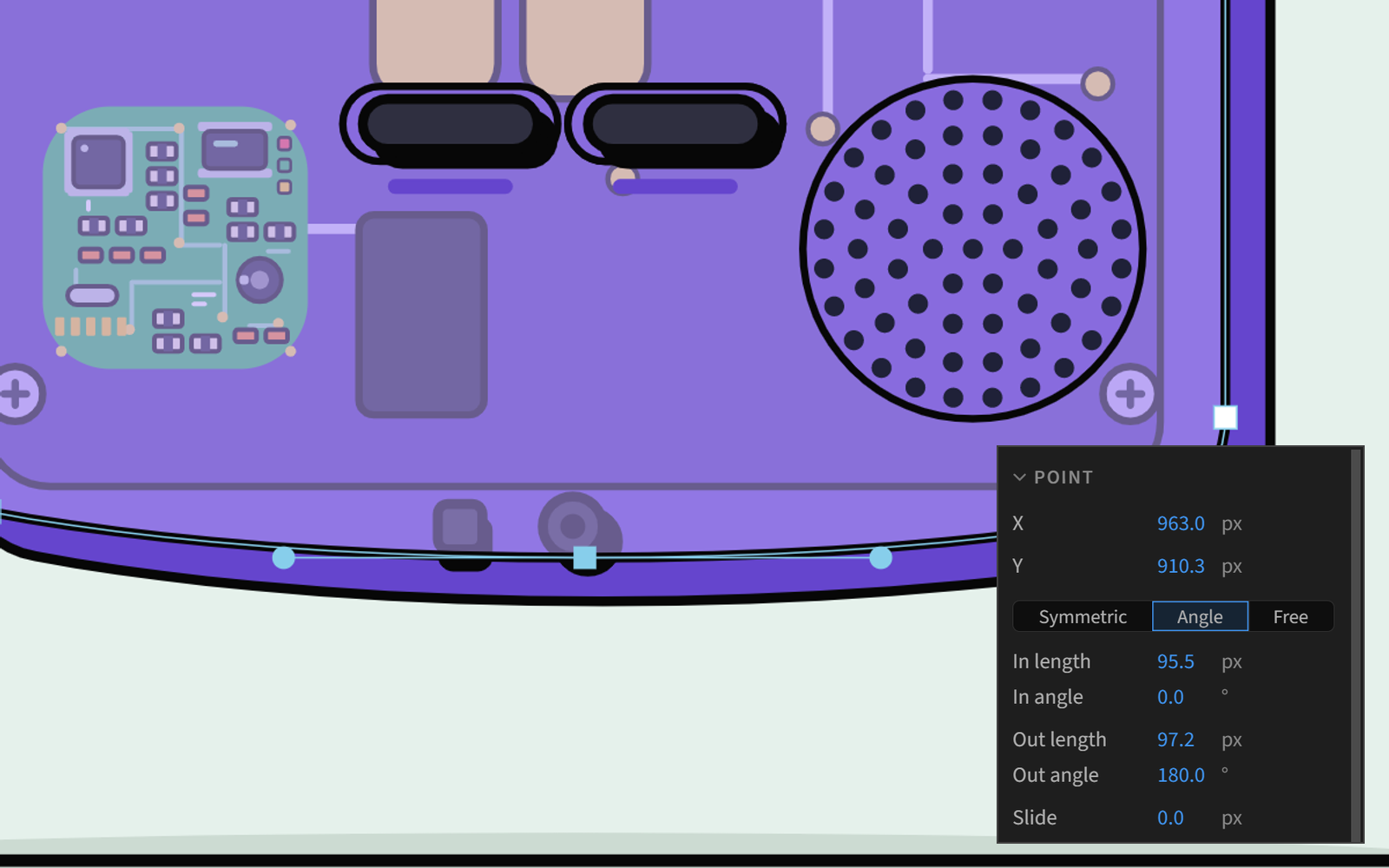
Complete control over paths
Exact position, length, and angle controls for every point.
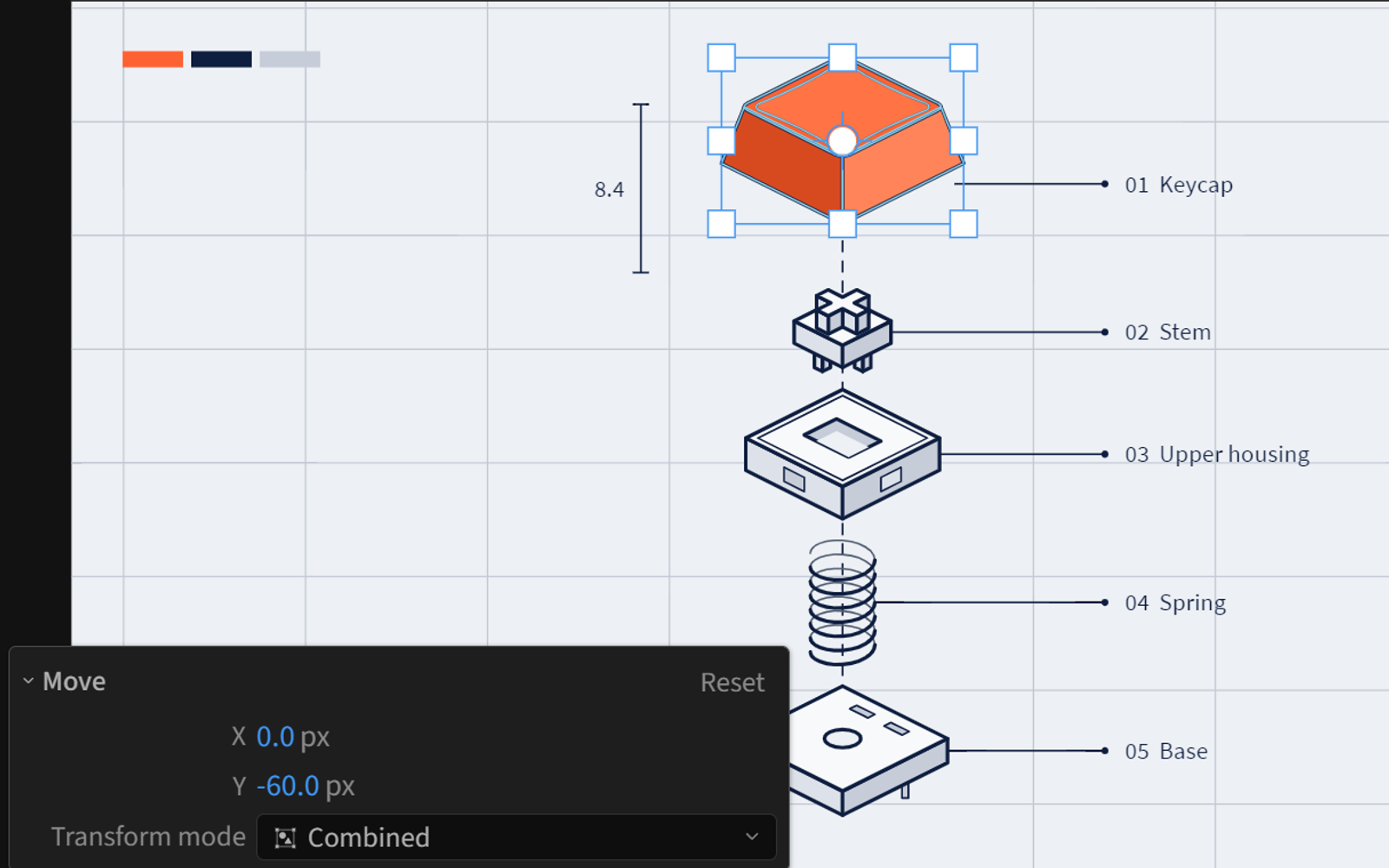
Last Action
See exactly what you just did, then adjust it after the fact.
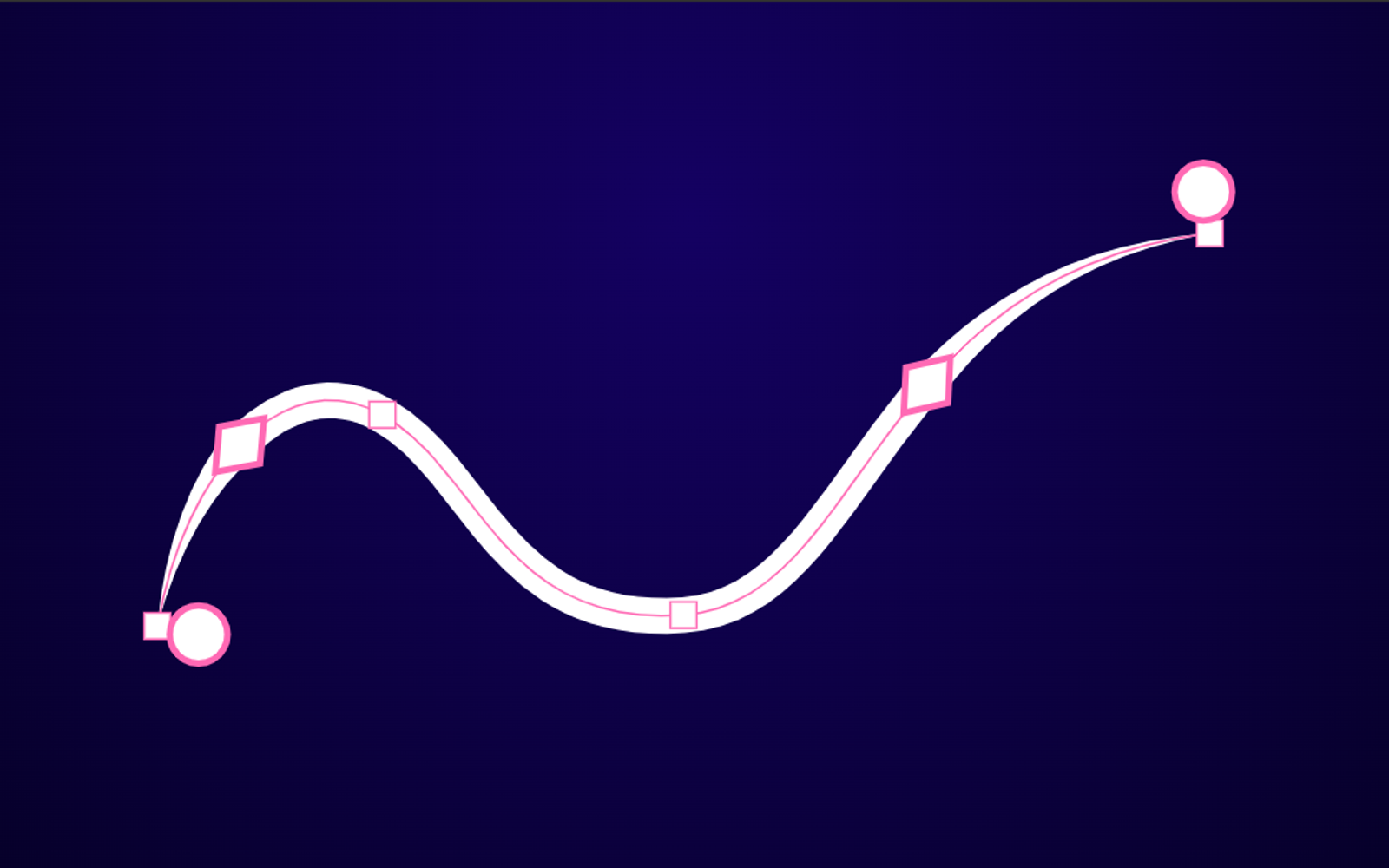
Interactive tapers
Create tapers right on the canvas using After Effects' native stroke tapering.
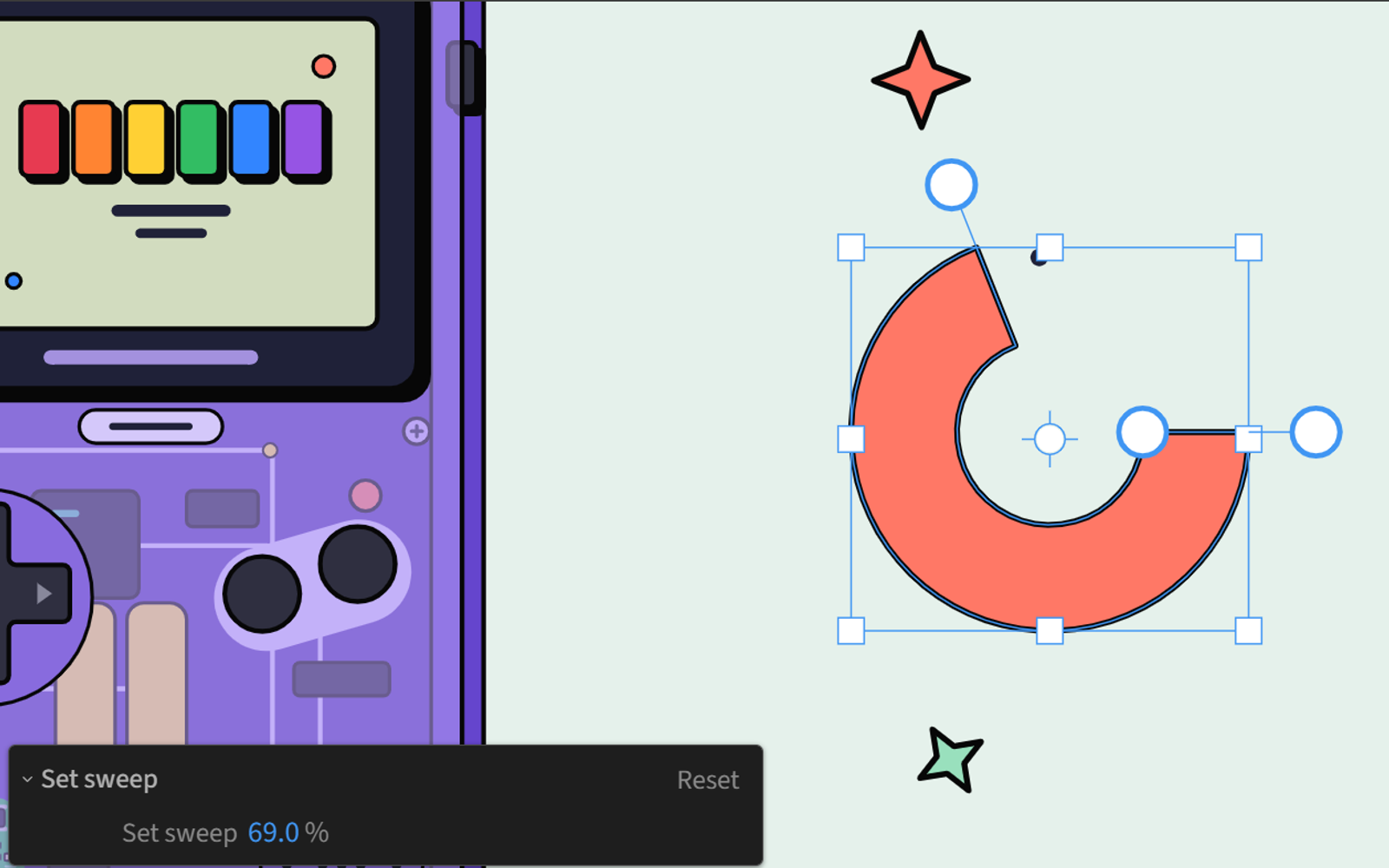
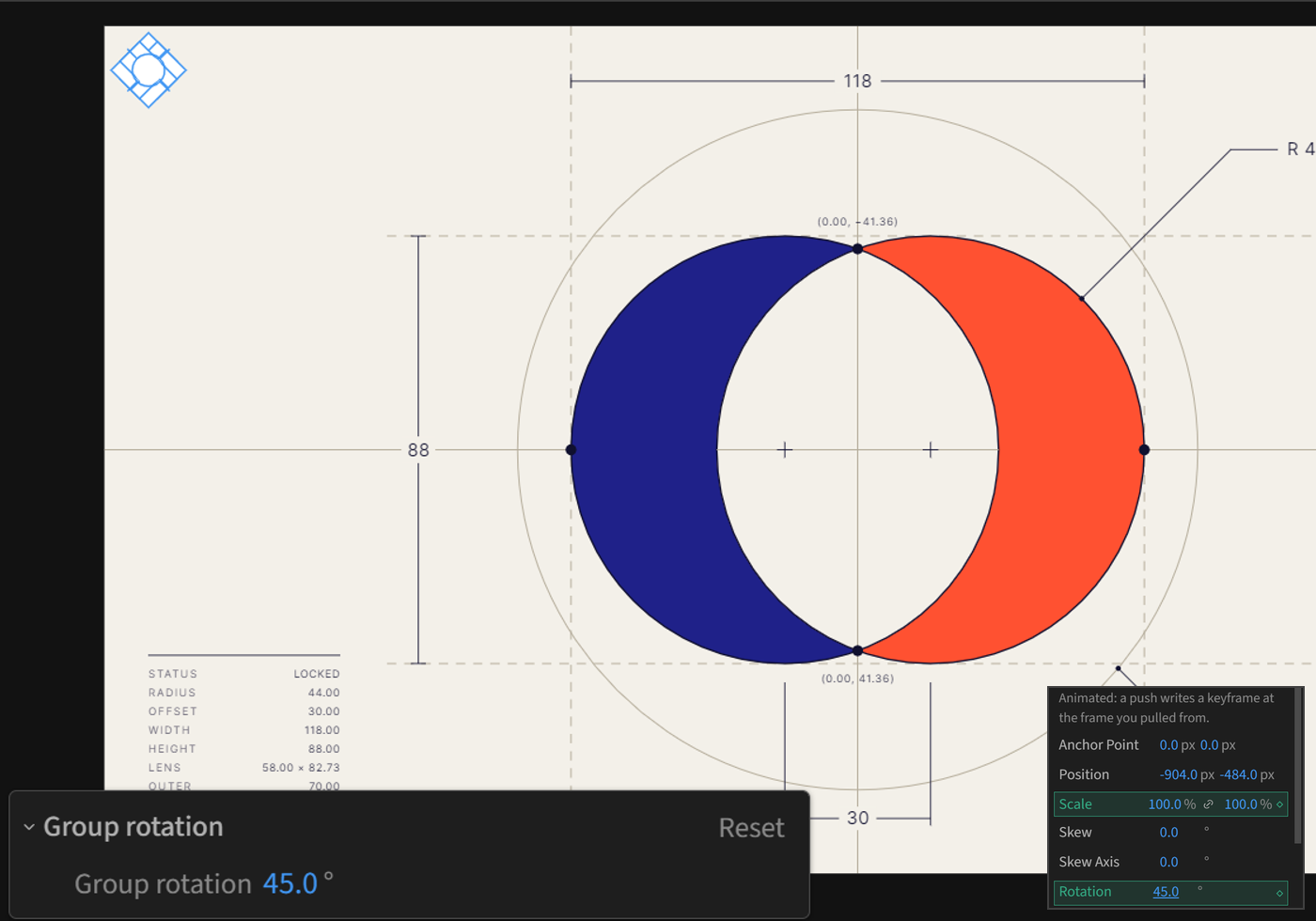
Live shapes
Open a hole, sweep a ring, or set a line by length and angle. Push it as a rig, and those properties stay adjustable in After Effects.
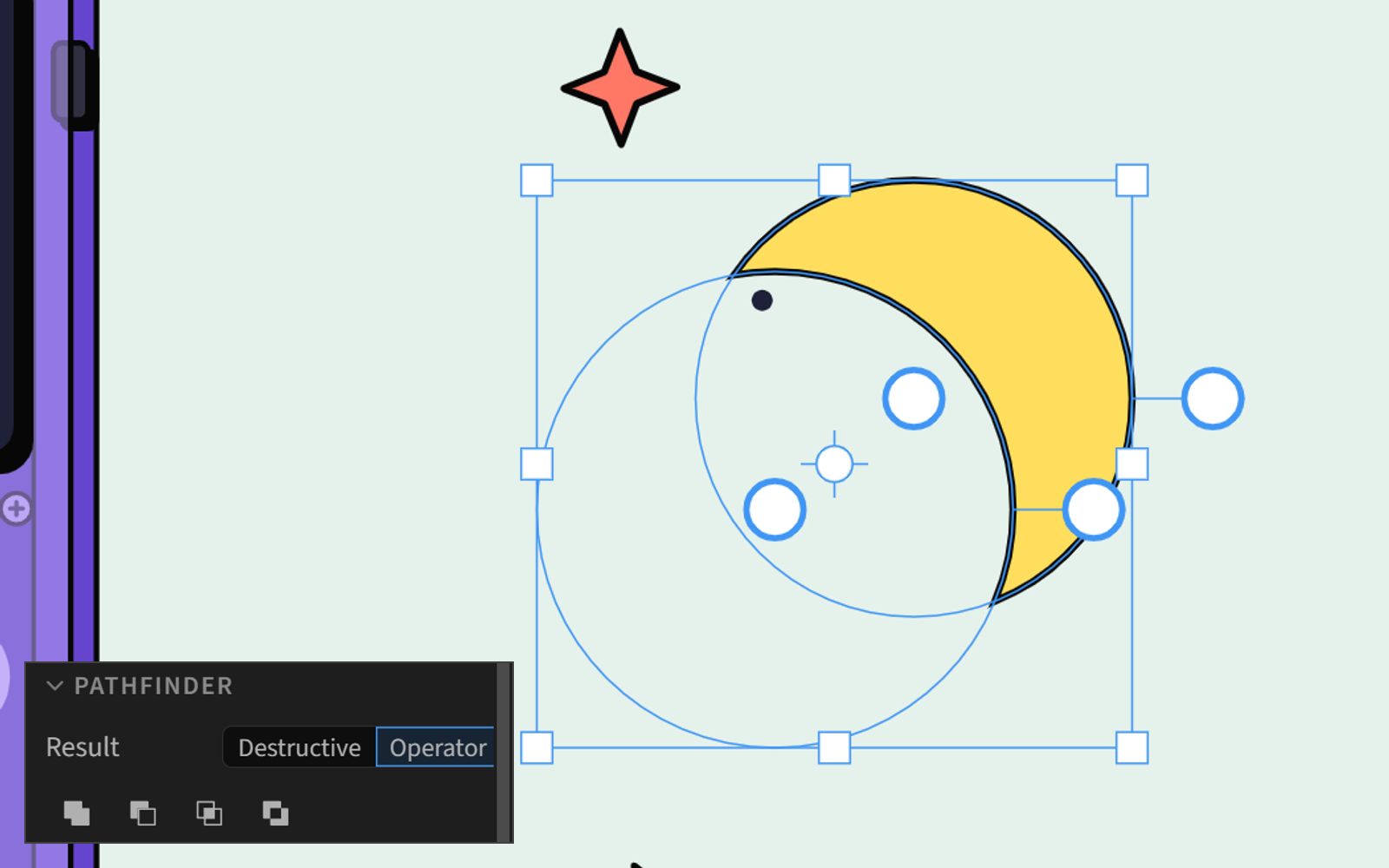
Pathfinder and path actions
Combine shapes with the Pathfinder, then offset, simplify, join, or outline strokes.
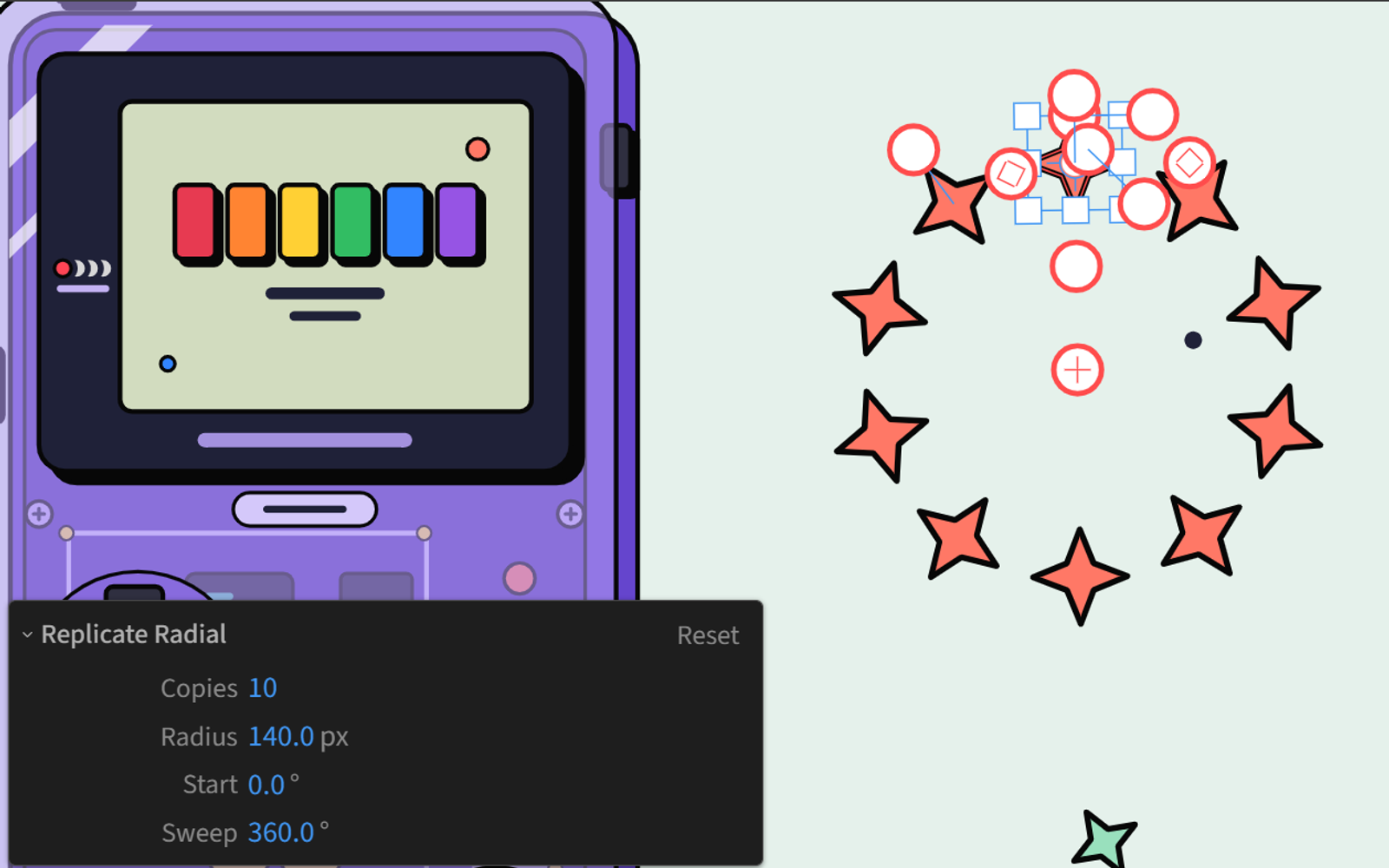
Replicate
Build linear, grid, radial, brick, and spiral arrays from native Repeaters.
Everything included
A full design toolset, in your comp.
Drawing tools
Rectangle, ellipse, polygon, star, line, Pen, Pencil, and Text.
Custom selections
Layer, Group, Path, Direct, and Magic Wand.
Layers panel
Mirrors your comp's layers in a layout built for design.
Properties panel
Updates with your selection, so the right controls are always in front of you.
Transforms
Rotate, Scale, Shear, Reflect, and an Anchor tool.
Align and distribute
Advanced controls for selection, comp, and key object alignment.
Fills and strokes
Solid and gradient fills and strokes, dashes, tapers, waves, and blend modes.
Masks
Full support for masks, feathering, and expansion control.
Text
Create and format text layers with full character and paragraph controls.
Shape operators
Trim Paths, Repeater, Merge Paths, and every other operator, editable on the canvas.
Outline view and isolation
See your design as outlines, and isolate one group and work inside it.
Customizable
Editable shortcuts, UI scaling, a floating toolbar, and three dockable panels.
Before you buy
A few things to know.
It lives in your project
Design Mode isn't a separate app and has no project files of its own. It's a vector canvas inside After Effects, and your work saves to your project when you push it back to your comp.
This is V1
There will be gaps and bugs, and I want to hear about them. There's lots of room for growth. Tell me what you'd like to see next, because you'll help decide where Design Mode goes.
7-day refund
If it doesn't work for your workflow, email support within 7 days for a full refund.
Design one frame at a time
There's no timeline in Design Mode. It reads your comp at the current time when you pull, so you still animate in After Effects. Properties driven by expressions can't be edited.
Big artwork takes longer
Design Mode handles complex illustrations like a champ, but very large selections can slow down. Simple edits feel instant, but thousands of changes will take time.
What you need
After Effects 2023 or later, or 2024 or later for text editing. Works on Mac and Windows. Needs internet to activate and at least every 30 days after that.
Pricing
One purchase. Yours forever.

$58 $48 early access price
$44
First 100 customers, 48 hours only
✓ One-time purchase
✓ Two-seat license
✓ Free V1 updates
✓ 7-day refund
Requires After Effects 2023 or later
Text editing requires 2024 or later
Works on Mac and Windows

Hi, I'm Jake
I live in Denver, Colorado, with my wife and two kids. For more than a decade, I've been teaching motion designers how to work more efficiently.
You might have seen some of my 30+ Skillshare courses, one of my courses at School of Motion, or the motion design tutorials on my YouTube channel.
I also build custom tools for motion designers, with 65,000+ downloads and counting. I educate and build tools to create faster workflows for motion designers. Design Mode exists because designing in After Effects was one of those workflows.
FAQ

